
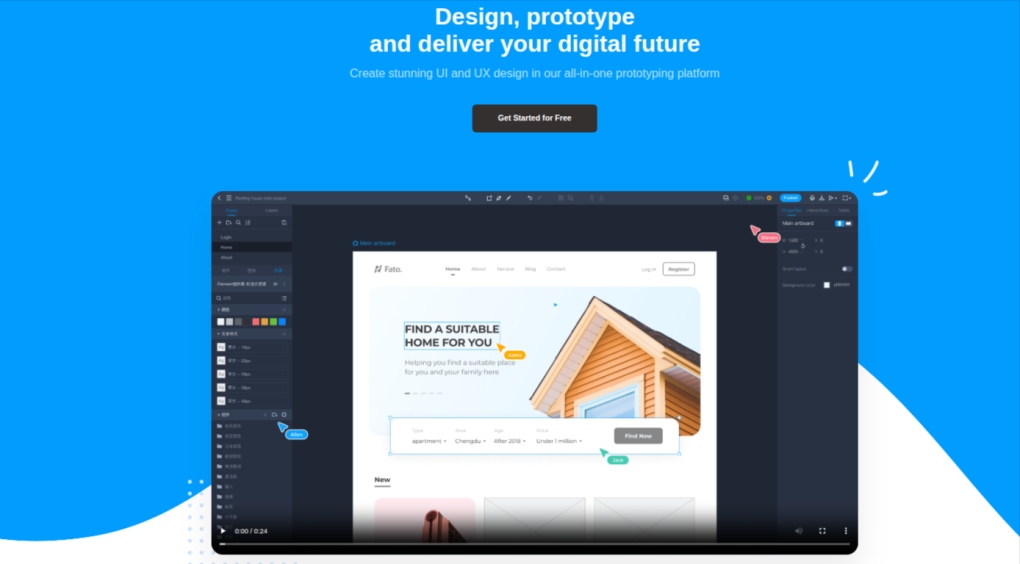
Are you tired of juggling code files and losing track of changes when working with your team? Finding the right tool to collaborate smoothly can save you hours of frustration.
Imagine having a single platform where you and your teammates can write, review, and manage code effortlessly—without spending a dime. You’ll discover the best free code collaboration tools that can boost your productivity and make teamwork a breeze. Keep reading to find the perfect solution that fits your needs and takes your coding projects to the next level.
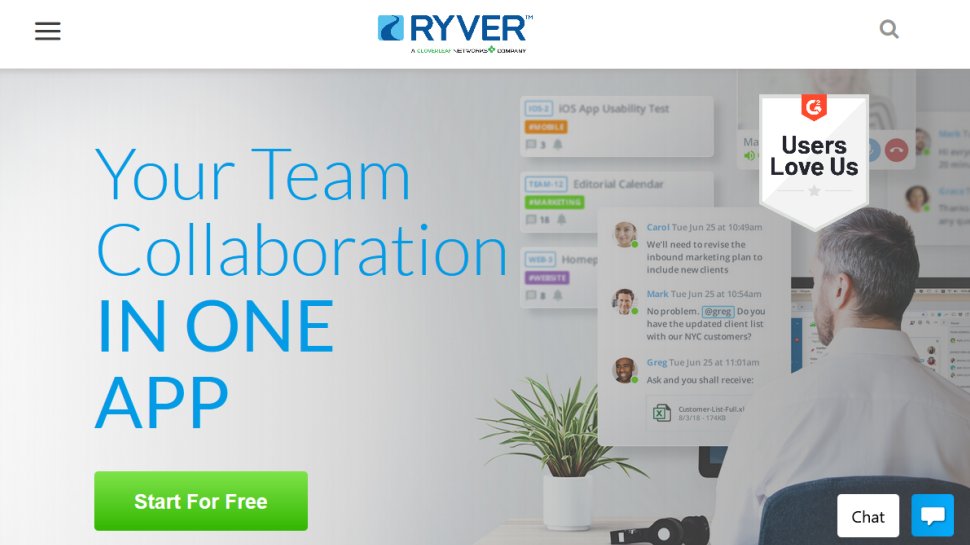
Credit: www.techradar.com
Top Free Code Collaboration Tools
Code collaboration tools help teams work together smoothly. They allow sharing, editing, and managing code in one place. These tools improve productivity and reduce errors. Many free options provide strong features for developers.
Choosing the right tool depends on your team size and project needs. Below are some of the best free code collaboration tools used worldwide.
GitHub offers a popular platform for hosting and reviewing code. It supports version control and issue tracking. Teams can collaborate on projects easily. Its free plan includes unlimited public and private repositories.
GitLab provides a complete DevOps platform. It includes code repository, CI/CD, and project management. The free tier allows unlimited private projects and collaborators. It suits teams needing an all-in-one solution.
Bitbucket integrates well with Jira and Trello. It supports Git and Mercurial repositories. Free accounts get five users with private repositories. It fits small teams working on private projects.
This tool enables real-time code editing and debugging. Developers can share their session instantly. It works inside Visual Studio and VS Code. Perfect for remote pair programming and quick reviews.
CodeSandbox is an online code editor for web development. It supports JavaScript frameworks and live previews. Free accounts allow unlimited public sandboxes. Great for sharing prototypes and learning together.
Features To Look For
Choosing the right free code collaboration tool can make teamwork easier and faster. Certain features help teams work smoothly and avoid mistakes. These features improve coding, sharing, and communication.
Real-time Editing
Real-time editing lets multiple users work on the same file at once. Changes appear immediately for everyone. This feature reduces delays and confusion. Teams can fix errors faster and share ideas instantly.
Version Control
Version control tracks changes made by each team member. It helps save past versions of the code. This way, you can undo mistakes or compare updates. It also prevents conflicts when multiple people edit files.
Integration Options
Good tools connect with other software you use daily. Examples include project management apps and testing platforms. Integration saves time by automating tasks and keeping data synced. It makes the workflow smoother and more organized.
Communication Tools
Built-in chat or comment features improve team talks. Members can discuss issues without leaving the tool. Clear communication reduces errors and speeds up problem-solving. It keeps everyone informed and involved.
Github
GitHub is a popular platform for developers to work together on code. It helps teams share projects and track changes easily. Millions of programmers use GitHub to store, review, and improve their code. The platform supports many programming languages and integrates well with other tools.
GitHub also offers free accounts with powerful features. These make it easier for small teams and individual coders to collaborate. The user-friendly interface helps users focus on coding instead of managing tools.
Key Features
- Version control with Git for tracking code changes.
- Pull requests allow team review and discussion before merging.
- Issue tracking to report bugs or suggest improvements.
- Code hosting with unlimited public repositories.
- Built-in continuous integration for automatic testing.
- Project boards to organize tasks and progress.
- Community support with millions of open-source projects.
Best Use Cases
- Open-source projects needing collaboration from many contributors.
- Teams working on software development remotely.
- Students learning coding with access to real projects.
- Developers sharing code snippets or libraries.
- Projects requiring code review and feedback before release.
- Tracking bugs and feature requests in an organized way.
- Automating testing and deployment workflows for faster updates.
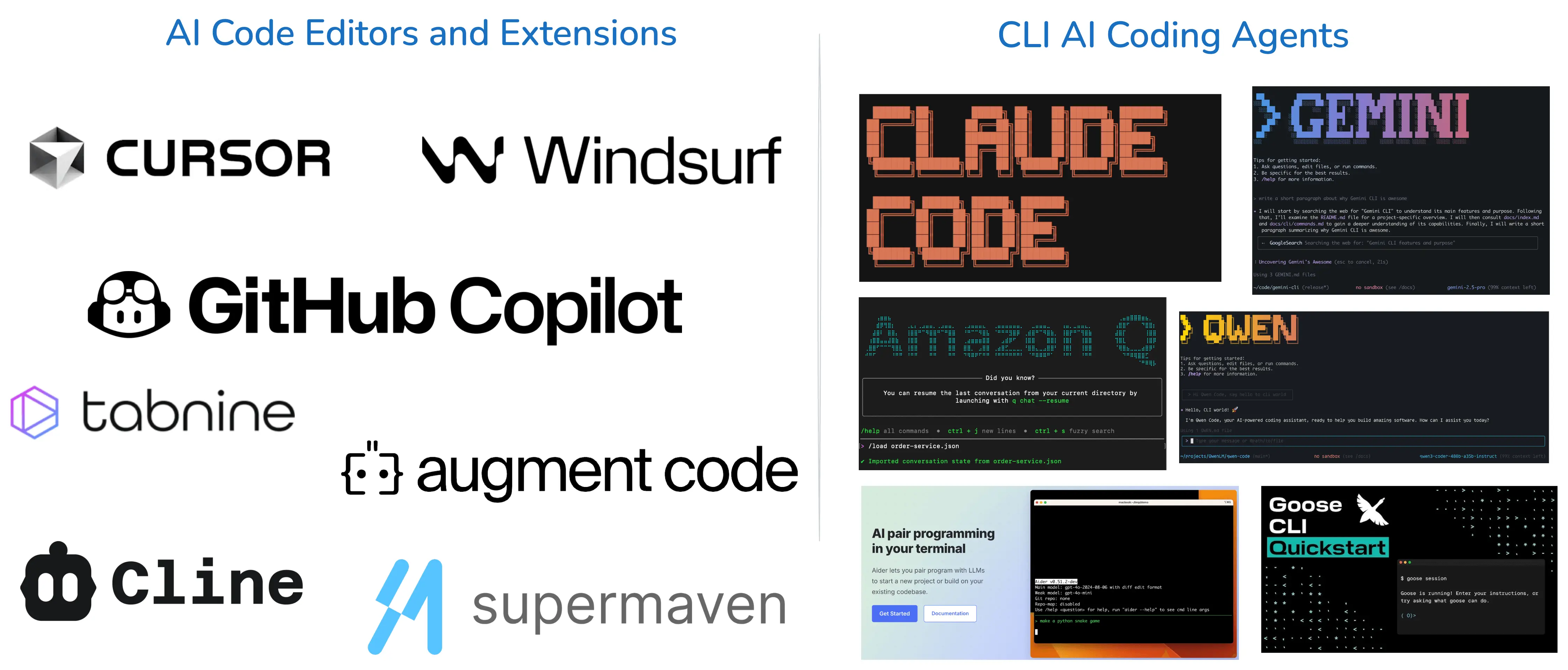
Credit: pinggy.io
Gitlab
GitLab is a popular tool for code collaboration and version control. It helps teams work together on software projects easily. GitLab combines code hosting, issue tracking, and CI/CD pipelines in one platform. This makes managing projects smoother and faster.
Key Features
- Built-in Git repository for code storage and version control
- Issue tracking to manage bugs and tasks
- Continuous Integration/Continuous Deployment (CI/CD) pipelines
- Code review with merge requests and comments
- Built-in wiki for project documentation
- Access controls and permissions for team management
- Free public and private repositories
Best Use Cases
- Open source projects needing free code hosting
- Teams requiring integrated CI/CD tools
- Developers wanting easy code review processes
- Projects needing issue tracking and documentation
- Companies needing secure access controls
- Startups aiming to manage code and deployment together
Bitbucket
Bitbucket is a popular tool for code collaboration. It helps teams work together on software projects easily. It supports Git and Mercurial repositories. Bitbucket offers free plans that suit small teams and individual developers. The platform integrates well with other development tools. This makes managing code simple and efficient.
Key Features
- Unlimited private repositories for free users
- Built-in code review with pull requests
- Branch permissions to control access
- Continuous integration with Bitbucket Pipelines
- Issue tracking and project management tools
- Strong integration with Jira and Trello
- Easy to use interface for beginners
Best Use Cases
- Small teams working on private projects
- Developers needing code review and version control
- Projects requiring CI/CD automation
- Teams using Jira for project management
- Startups and freelancers with budget limits
- Educational purposes for learning Git and code collaboration
Visual Studio Live Share
Visual Studio Live Share is a free tool that helps developers work together in real time. It allows multiple people to edit and debug code in the same project. No need to share screens or send files back and forth. Everyone can see changes instantly.
This tool works inside Visual Studio and Visual Studio Code. It supports many programming languages and platforms. Live Share makes collaboration easy and fast. It helps teams fix bugs and build features together.
Key Features
- Real-time code editing and navigation
- Shared debugging sessions
- Instant chat and audio calls within the editor
- Access to terminals and local servers
- Supports multiple languages and platforms
- No need to clone repositories or set up environments
Best Use Cases
- Pair programming with team members
- Code reviews and feedback sessions
- Remote debugging and problem solving
- Teaching coding through live examples
- Working on open-source projects with contributors
Codesandbox
CodeSandbox is a popular online tool for coding and sharing projects. It lets developers write, test, and collaborate on code right in the browser. No need to install software or set up environments. This makes it fast and easy to start coding immediately.
The platform supports many languages and frameworks. It offers a live preview of your work, showing changes instantly. This helps teams work together smoothly and catch errors early. CodeSandbox also integrates with GitHub, making version control simple.
Key Features
- Browser-based code editor with real-time collaboration.
- Instant live preview of projects.
- Supports JavaScript, React, Vue, Angular, and more.
- GitHub integration for easy version control.
- Templates to start projects quickly.
- Sharing options with simple URLs.
- Ability to import and export projects.
Best Use Cases
- Collaborating on web development projects remotely.
- Testing code snippets fast without local setup.
- Learning and teaching coding interactively.
- Prototyping new ideas and sharing them instantly.
- Open source projects that need easy access for contributors.
Choosing The Right Tool
Choosing the right code collaboration tool is key to a smooth workflow. Different tools suit different teams and projects. Picking one that fits your needs saves time and boosts productivity.
Team Size Considerations
Small teams need simple tools with easy sharing options. Larger teams require features like role management and access control. Some tools limit user numbers on free plans. Check these limits before deciding.
Project Complexity
Simple projects work well with basic code editors and version control. Complex projects need tools offering issue tracking and code review. Look for integrations with other software your team uses.
Budget And Scalability
Free tools are great for starting out. Think about future growth and upgrades. Choose tools that offer paid plans with more features. This avoids switching tools later, which can disrupt work.
Tips To Maximize Collaboration
Working together on code projects can be tricky without clear rules. Teams need good habits to share ideas and work smoothly. This helps avoid confusion and saves time. The right steps make teamwork easier and more productive.
Establish Clear Workflows
Create simple steps for how tasks move from start to finish. Define who does what and when. Use tools to track progress and assign jobs. Clear workflows reduce mistakes and speed up work.
Regular Communication
Talk often and keep everyone updated. Share problems and solutions quickly. Use chats, video calls, or comments in code tools. Regular communication stops delays and keeps the team on track.
Leverage Automation
Use automatic tools to handle simple tasks. Testing code, merging changes, and checking errors can be automated. This saves time and reduces human mistakes. Automation lets the team focus on more important work.

Credit: www.qodo.ai
Frequently Asked Questions
What Are The Best Free Code Collaboration Tools?
Top free code collaboration tools include GitHub, GitLab, Bitbucket, and Visual Studio Live Share. These platforms offer version control, code review, and real-time collaboration features, making teamwork efficient and seamless for developers worldwide.
How Do Free Code Collaboration Tools Improve Teamwork?
They enable real-time code sharing, version control, and issue tracking. This helps teams coordinate better, reduce conflicts, and speed up development cycles. Collaboration tools keep communication clear and code changes transparent, boosting productivity and code quality.
Can Beginners Use Free Code Collaboration Tools Effectively?
Yes, most free tools have user-friendly interfaces and extensive documentation. Beginners can easily learn version control and collaboration basics. Many platforms offer tutorials and community support to help new developers start contributing quickly and confidently.
Are Free Code Collaboration Tools Secure?
Yes, reputable tools use encryption, access controls, and regular security updates. They protect your code and data from unauthorized access. However, users should follow best practices like using strong passwords and enabling two-factor authentication for added safety.
Conclusion
Choosing the right code collaboration tool helps your team work better. Free tools offer many features without extra cost. They make sharing code and ideas easy and fast. Try different tools to find what fits your needs best. Good collaboration leads to faster and cleaner coding.
Keep your team connected and productive with these tools. Start using them today and see the difference. Simple tools can create big improvements in your projects.