
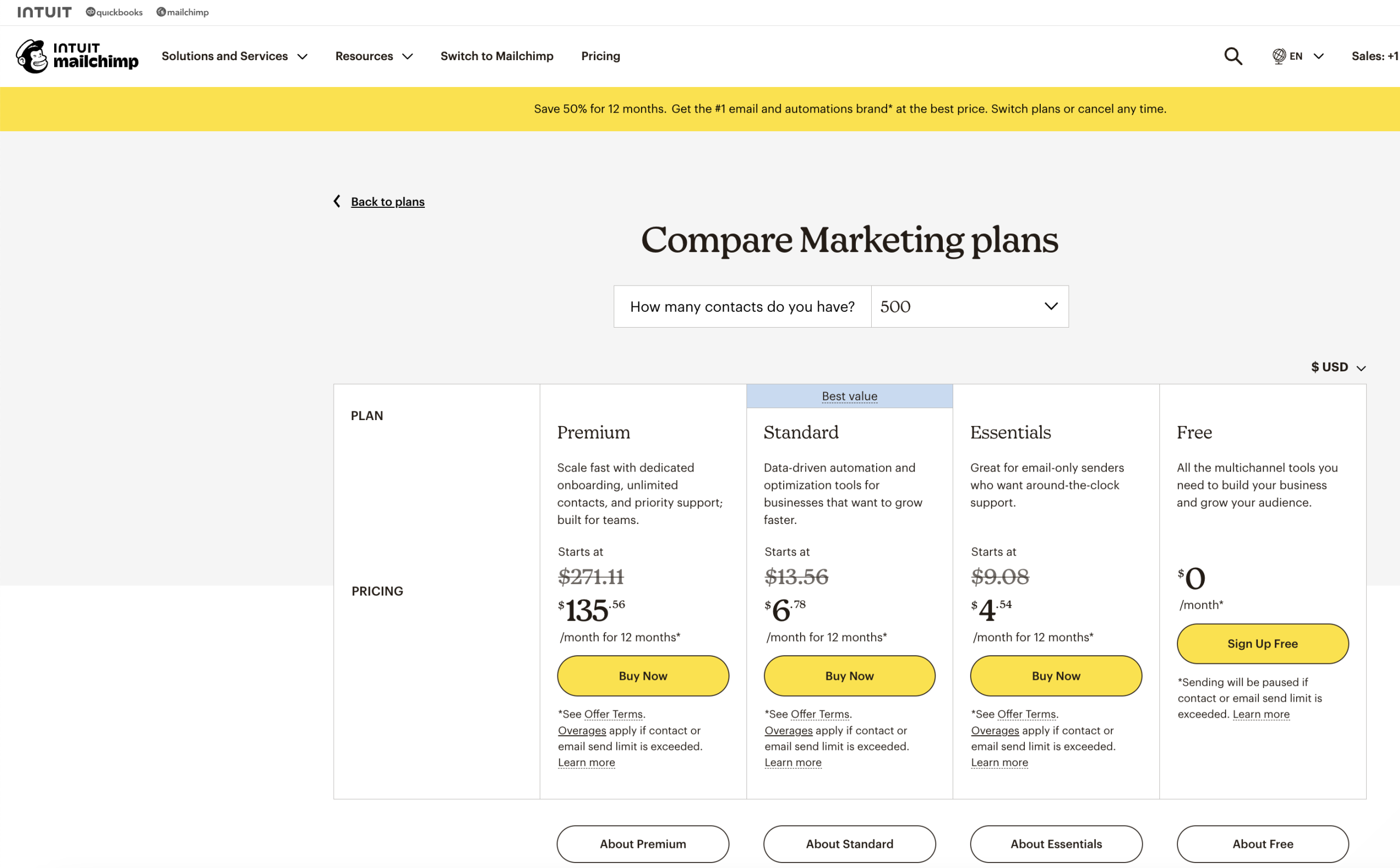
Are you thinking about using Mailchimp’s free plan for your email marketing? It sounds great at first—no cost and plenty of features.
But before you dive in, it’s important to know the limits that could slow down your growth or even cost you more in the long run. If you want to make smart choices for your business or project, understanding these restrictions will save you time and frustration.
Keep reading to discover exactly what the Mailchimp free plan can and can’t do for you.
Credit: medium.com
Subscriber Limits
Mailchimp’s free plan is a good start for email marketing. It allows users to send emails without a cost. But there are limits on how many subscribers you can add. These limits can affect your email campaigns as your list grows.
Maximum Contacts Allowed
The free plan lets you have up to 500 contacts. This means you can store email addresses for up to 500 people. Once you reach this number, you cannot add more contacts unless you upgrade. This limit keeps your list small and manageable.
Impact On Growing Lists
Growing your email list is important for business. The 500-contact limit means you must watch your list size closely. If your list grows fast, you may hit the limit quickly. At that point, you must delete contacts or stop adding new ones. This can slow your marketing efforts and reduce your reach.
Email Sending Restrictions
Email sending restrictions in Mailchimp’s free plan limit how many emails you can send. These limits affect your ability to reach your audience effectively. Understanding these caps helps you plan your email marketing better. Below are the main restrictions you should know.
Monthly Email Caps
The free plan allows a maximum number of emails each month. You can send up to 10,000 emails per month. This limit includes all your campaigns, automated emails, and any other messages. If you reach this cap, you must wait until the next month to send more emails. This limit can slow down your marketing efforts as your subscriber list grows.
Daily Sending Limits
Mailchimp also sets a daily sending limit on the free plan. You can send up to 2,000 emails per day. This rule helps prevent spam and keeps the platform secure. If you try to send more than this limit, your emails will be paused for the day. It can affect time-sensitive campaigns or product launches.
Feature Access
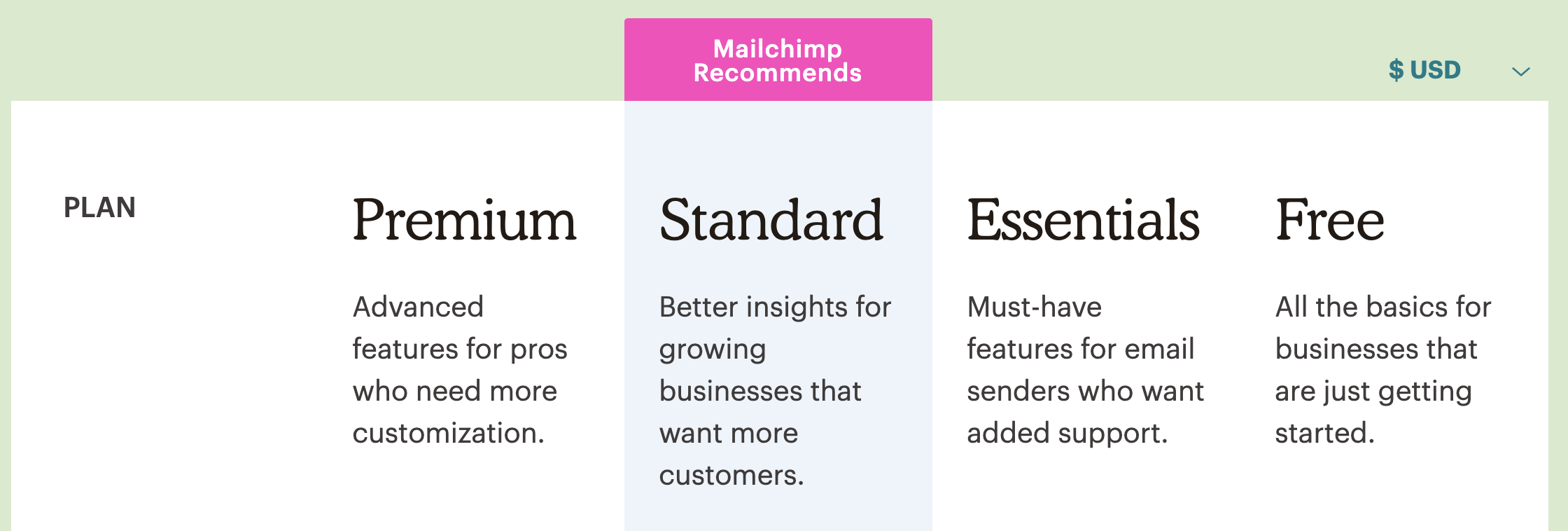
Mailchimp’s free plan offers basic features for small projects and beginners. It allows users to start email marketing without upfront costs. Yet, the free plan limits access to many advanced tools.
This section explains which features are available and which ones have restrictions. Understanding these helps decide if the free plan fits your needs.
Automation Capabilities
The free plan includes simple automation options. You can send welcome emails to new subscribers. Also, you can set basic order notifications.
Advanced automation like customer journeys or behavior-based triggers are not available. This limits how personalized and timely your emails can be.
Landing Pages And Forms
Users get access to basic landing page templates. Creating simple sign-up forms is possible too. These tools help collect contacts and grow your list.
Customization options are limited. Features like A/B testing or removing Mailchimp branding require paid plans.
Templates And Design Tools
The free plan offers a selection of basic email templates. You can customize colors and images easily. Drag-and-drop editing is included for simple design work.
More professional templates and advanced design tools remain locked behind paid plans. This affects the visual appeal of your campaigns.
Reporting And Analytics
Mailchimp’s free plan offers basic reporting and analytics to track your email campaigns. These insights help you understand how your emails perform. Knowing what works can improve your future campaigns.
Still, the free plan has limits. Some advanced data and detailed reports are not available. This can make it harder to fully analyze your audience’s behavior.
Available Metrics
The free plan shows key metrics like open rates, click rates, and unsubscribe rates. You can see how many people opened your email and clicked links. It also shows bounce rates and total sent emails. These numbers give a simple overview of your campaign’s success.
Limitations On Data Insights
Detailed reports like customer journeys and comparative data are missing. You cannot access advanced segmentation or A/B testing results. Real-time analytics updates are limited too. This restricts deep analysis and fine-tuning your campaigns on the free plan.
Support Options
Mailchimp’s free plan offers basic support, but it has clear limits. Knowing these limits helps users plan their email marketing better. Support is important, especially for beginners.
Customer Service Availability
Free plan users get limited customer service options. Email support is usually slow and not available 24/7. Live chat or phone support is reserved for paid plans. This means quick answers are hard to find. Users must be patient or solve problems themselves.
Community Resources
Mailchimp provides a large community forum for free users. Many questions have answers from other users. There are tutorials, guides, and FAQs online too. These resources help solve common problems fast. They are a good backup when direct support is not available.
Branding And Customization
Branding and customization play a key role in making emails look professional and trustworthy. The Mailchimp free plan limits these options, affecting how your emails and campaigns appear to your audience. Understanding these restrictions helps you plan your email marketing better.
Mailchimp Logo Presence
Emails sent with the free plan include the Mailchimp logo. This logo appears at the bottom of every email. It cannot be removed or changed. The presence of this logo can make your emails look less personal. Recipients see the Mailchimp brand instead of your own.
This can affect your brand identity. Your business name takes a back seat to Mailchimp’s branding. The logo’s size and position are fixed. You do not have the option to hide it or replace it with your logo.
Custom Domain Use
The free plan does not allow use of a custom domain for email campaigns. Your emails will be sent from a Mailchimp subdomain. This means your email address ends with Mailchimp’s domain, not yours.
Using a Mailchimp subdomain can reduce trust. Some recipients might see your emails as less credible. Custom domains help build brand recognition and trust. Without this option, your emails may appear less professional.
To use your own domain, upgrading to a paid plan is necessary. This allows full control over your sender address and branding.
Upgrade Considerations
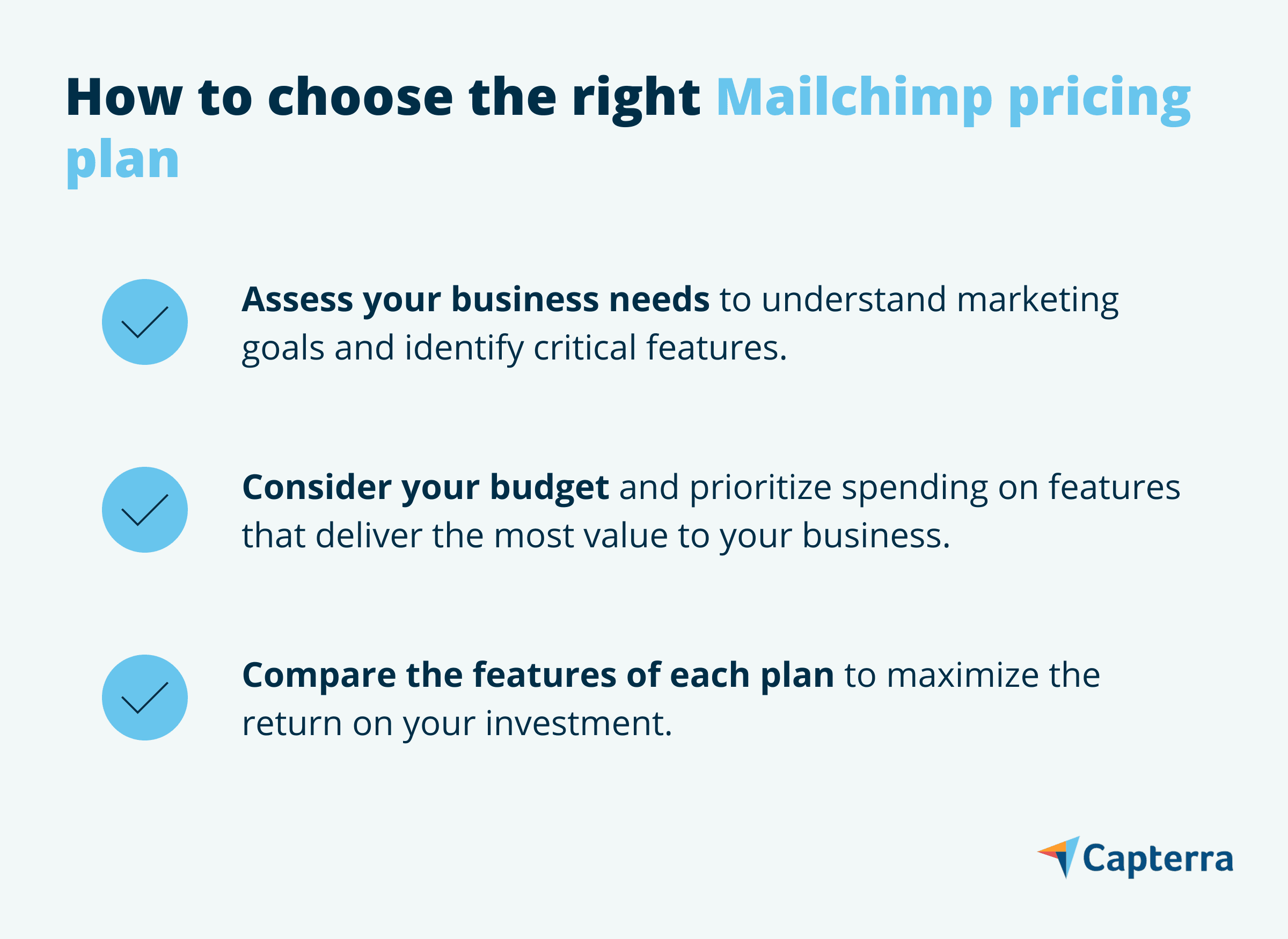
Choosing to upgrade from Mailchimp’s free plan requires careful thought. The free plan works well for small projects and beginners. But as your email list grows, limitations become clear. You may need features that only paid plans offer. Understanding when and why to upgrade helps save money and boosts your email marketing.
When To Move To Paid Plans
Move to a paid plan when your contacts exceed the free limit. The free plan allows up to 500 contacts. Going beyond means paying or losing subscribers. Also, upgrade if you want advanced tools like automation or detailed reports. Businesses needing more customization in emails should consider paid plans. Paid plans help reach larger audiences without restrictions.
Cost Vs. Benefit Analysis
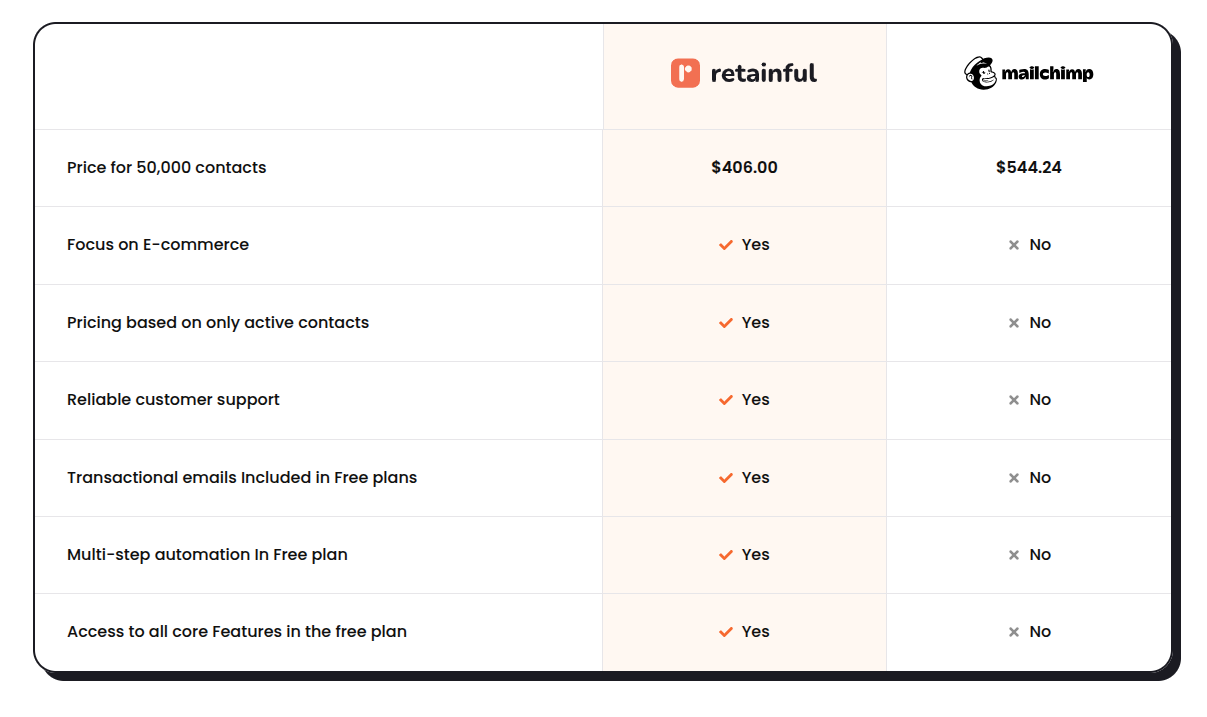
Compare the monthly cost with the benefits received. Paid plans start at a reasonable price for more contacts and features. Think about how improved email tools can save time and increase sales. More detailed analytics help understand customer behavior better. If these benefits outweigh the cost, upgrading is a smart choice. Otherwise, the free plan might still be enough.
Credit: www.capterra.com
Credit: www.retainful.com
Frequently Asked Questions
What Are The Subscriber Limits On Mailchimp Free Plan?
Mailchimp’s free plan allows up to 500 contacts. You can send 1,000 emails per month with a daily limit of 500. Exceeding these limits requires upgrading to a paid plan for more subscribers and sending capacity.
Can I Access Advanced Automation In Mailchimp Free Plan?
No, advanced automation features like customer journeys are not available on the free plan. Basic automation such as welcome emails is included, but for sophisticated workflows, upgrading is necessary.
Does Mailchimp Free Plan Include A/b Testing Options?
Mailchimp’s free plan does not support A/B testing. This feature is reserved for paid plans, allowing you to optimize campaigns by comparing different email versions effectively.
Are Mailchimp’s Analytics Limited On The Free Plan?
Yes, the free plan offers basic analytics like open and click rates. Advanced reports, including comparative and behavioral data, require a paid subscription for deeper insights.
Conclusion
Mailchimp’s free plan offers useful features but comes with clear limits. You can send basic emails, but advanced tools are missing. The contact limit and monthly sends might feel tight. This plan suits small lists or beginners testing email marketing.
For growing businesses, upgrading may be necessary to access more options. Understanding these limits helps you choose the right plan. Keep your needs in mind before deciding. Simple and clear choices lead to better email results.