Are you struggling to grow your Pinterest account and wondering if automation is the secret sauce? Or maybe you’ve spent hours manually pinning but aren’t seeing the results you hoped for.
I’ve been there too. In this post, I’ll share my honest experience with Pinterest automation versus manual pinning. You’ll discover what worked, what didn’t, and how you can save time without losing the personal touch your audience craves. Stick around—you might just find the strategy that changes your Pinterest game for good.
Pinterest Automation Basics
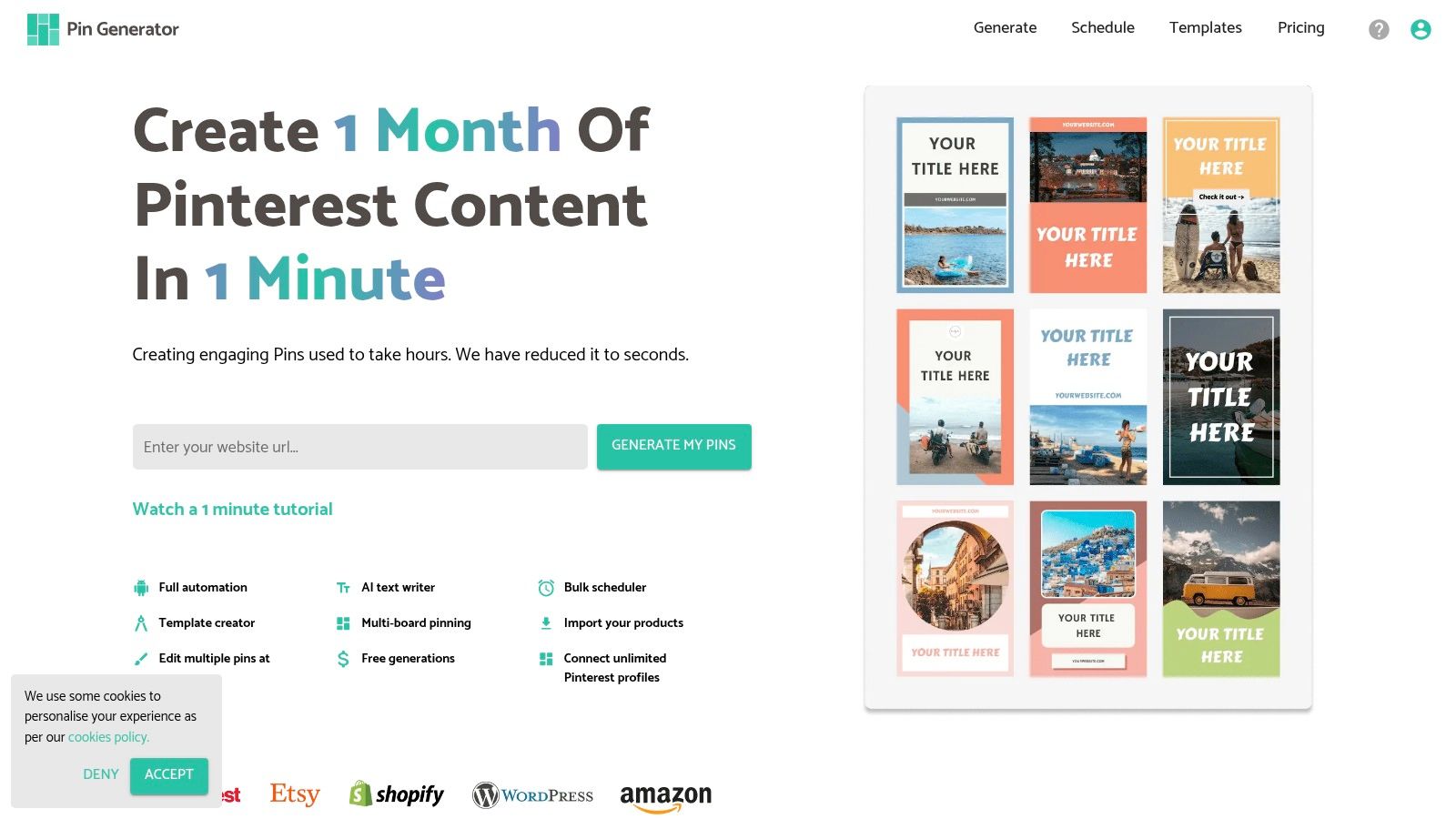
Pinterest automation helps save time and effort in managing pins. It lets you schedule pins to post automatically. You can keep your Pinterest boards active without daily manual work.
This section explains the basics of Pinterest automation. It covers what automation means, popular tools, and how to set up automated pinning.
What Is Pinterest Automation
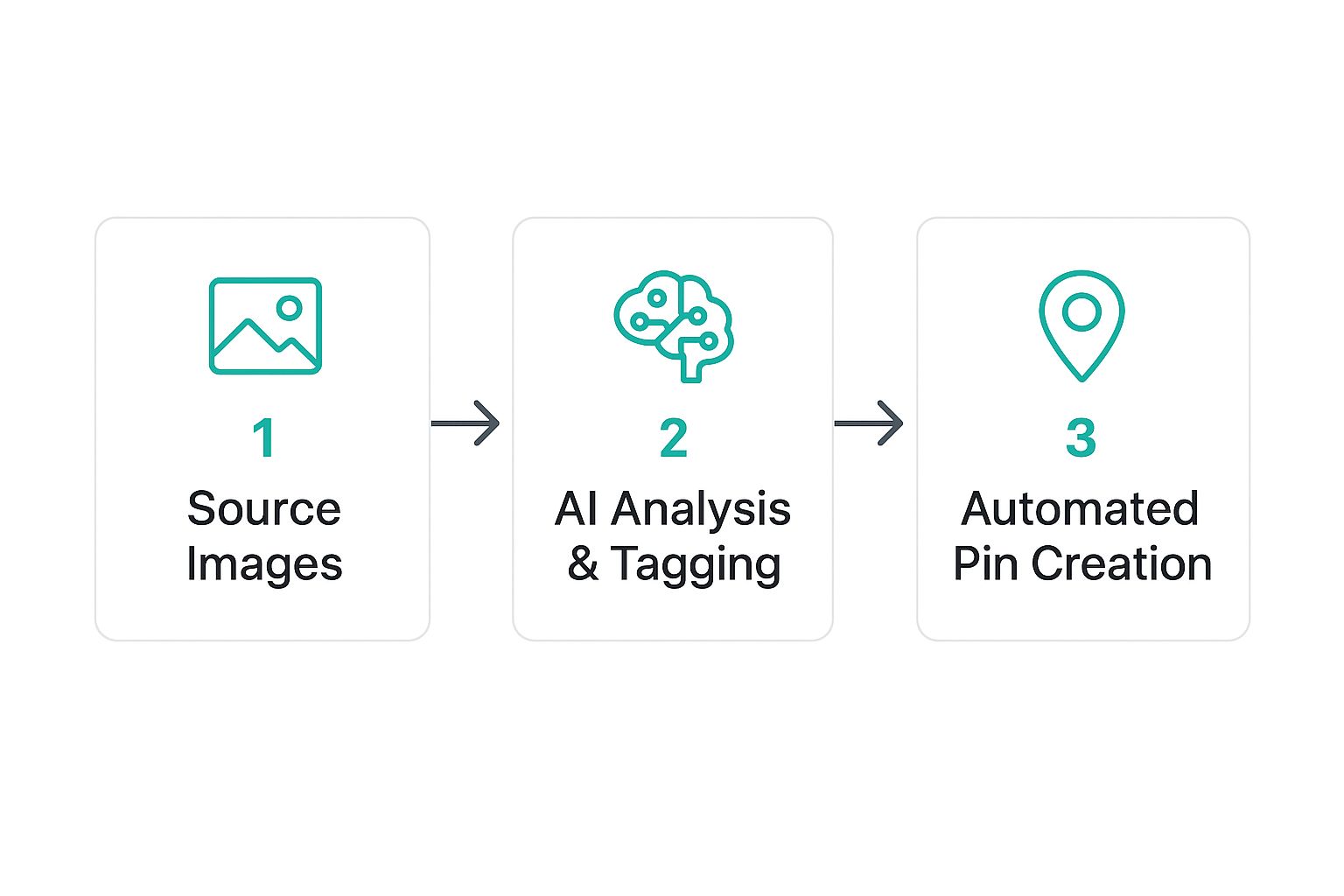
Pinterest automation means using software to post pins automatically. The tools can schedule pins for specific times. They help maintain a steady flow of content on your boards. This reduces the need to pin manually every day. Automation also helps reach more people by posting at the best times.
Popular Automation Tools
Several tools help automate Pinterest pinning. Tailwind is one of the most popular choices. It offers scheduling, analytics, and group boards features. Another tool is Buffer, which supports multiple social networks including Pinterest. Later also allows easy scheduling with a visual calendar. These tools save time and help organize your pinning strategy.
Setting Up Automated Pinning
Start by choosing an automation tool that fits your needs. Connect your Pinterest account to the tool. Next, create a pinning schedule based on your audience’s activity. Upload your pins or link blog posts to share automatically. Check settings to avoid duplicate pins or spammy behavior. Regularly review your analytics to improve your pinning plan.
Manual Pinning Approach
The manual pinning approach means you pin content by yourself on Pinterest. You choose each pin, board, and time to post. This way helps you control your account closely. It feels personal and lets you adjust quickly.
I spent many weeks trying manual pinning to see its real impact. It gave me a clear sense of what works best for my audience. I learned a lot about timing and content quality this way.
How Manual Pinning Works
You log in to your Pinterest account and pick pins one by one. You decide which boards to add pins to. You also set when to post them. This process needs you to be active every day. You can repin others’ posts or add new images from your site. Each choice helps shape your profile’s look and feel.
Time Investment Required
Manual pinning takes a good amount of time daily. You spend 20 to 40 minutes choosing pins and posting. Sometimes longer if you search for new content. It needs patience and regular effort. No quick fixes here. But the time spent builds your Pinterest presence slowly but surely.
Benefits Of Manual Control
You get full control over what and when to pin. This helps keep your boards organized and relevant. You can respond fast to trends or changes in your niche. Manual pinning feels more natural and less robotic. It also helps build better connections with your followers. You know your content is unique and carefully chosen.
Comparing Results
Comparing the results of Pinterest automation and manual pinning helped me understand their true impact. Each method showed clear strengths and weaknesses. The data on engagement, followers, and website traffic revealed important differences. This section shares my findings from both approaches.
Engagement Rates
Manual pinning created more genuine interaction. Pins received more likes and comments. The content felt more personal and timely. Automated pins posted regularly but lacked the same connection. Engagement was steady but not as high as manual efforts. Quality over quantity seemed to matter most here.
Follower Growth
Automation brought faster follower increases. The steady flow of pins attracted new viewers daily. Manual pinning grew followers slower but with better retention. Followers gained this way were more active and interested. Both methods increased followers, but automation scaled quicker.
Traffic To Website
Manual pinning sent more targeted traffic to my website. Visitors stayed longer and explored more pages. Automated pins drove more clicks but with less depth. Many visitors bounced quickly without engaging further. Pin quality influenced how visitors behaved after clicking.
Credit: pingenerator.com
Challenges Faced
Choosing between Pinterest automation and manual pinning brought many challenges. Each method had its own set of problems. These difficulties affected how well I could manage my Pinterest account. Understanding these challenges helped me find a better balance.
Both automation and manual efforts need time and care to work well. The right choice depends on your goals and how much time you want to spend.
Automation Pitfalls
Automation saved time but caused some issues. Sometimes pins were posted at wrong times. This lowered their reach and engagement.
Automated tools missed the chance to add personal touches. This made pins look less authentic and less appealing to followers.
Technical problems happened occasionally. Pins failed to post or were duplicated. Fixing these errors took extra effort.
Automation also risked breaking Pinterest rules. Too many pins in a short time led to temporary blocks. This slowed down growth and caused frustration.
Manual Effort Drawbacks
Manual pinning gave full control but demanded more time. Pinning each image and writing descriptions took hours.
Consistency was hard to maintain. Some days I pinned a lot; other days, very little. This affected follower engagement and account growth.
Manual work could become boring and tiring. Losing motivation sometimes led to skipping pinning days.
Tracking what worked well was difficult without good tools. It was hard to know which pins brought the best results.
Cost And Time Efficiency
Cost and time efficiency are important when managing Pinterest. Spending hours pinning can eat into your day. Paying for tools may cost money upfront. I tested both manual pinning and automation to see which works better for me.
Time Saved With Automation
Automation saves a lot of time. I can schedule many pins in one session. The tool posts them throughout the day automatically. This frees up time for other tasks. Manual pinning takes much longer. I had to pin one by one. It took me hours each week. Automation helped me stay consistent without daily effort.
Costs Involved
Automation tools usually charge a monthly fee. Prices vary depending on features and limits. Manual pinning costs nothing but your time. If your time is valuable, paying for automation may be worth it. I found some affordable tools that fit my budget. Still, manual pinning is free and works well for small accounts.
Balancing Both Methods
Combining both methods can work well. Use automation for regular, repetitive pinning. Pin manually for fresh, creative content or quick updates. This mix saves time and cuts costs. I schedule most pins but add manual pins for special posts. Balancing both gives control and efficiency without overspending.
Credit: pingenerator.com
Tips For Choosing The Right Method
Choosing between Pinterest automation and manual pinning can be confusing. Each method has its strengths. Knowing which fits your needs saves time and improves results.
Here are some tips to help you decide the best way to pin on Pinterest.
Assessing Your Goals
Start by thinking about what you want to achieve. Are you aiming for fast growth or steady engagement? Automation helps post more pins quickly. Manual pinning allows for careful selection and timing. Set clear goals to match your approach.
Considering Your Audience
Understand who follows your Pinterest. Do they prefer frequent updates or thoughtful pins? Automation may flood your feed, which can annoy some users. Manual pinning lets you tailor content closely to your audience’s interests. Always keep your followers in mind.
Experimenting With Both
Try automation and manual pinning for a few weeks. Track which method gets better clicks and saves. Mix both methods if needed. Testing helps find the right balance for your account. Adjust based on your results and comfort.
Credit: pingenerator.com
Frequently Asked Questions
What Is The Main Difference Between Pinterest Automation And Manual Pinning?
Pinterest automation uses tools to schedule pins automatically, saving time. Manual pinning requires you to post pins yourself, allowing more control but taking more time.
Does Pinterest Automation Affect Engagement Rates?
Automation can maintain consistent posting, which may increase visibility. However, manual pinning often results in higher engagement due to personalized interactions.
Is Manual Pinning Better For Pinterest Seo?
Manual pinning allows for tailored descriptions and keyword use, boosting SEO. Automation may miss these details, potentially reducing SEO effectiveness.
Can Pinterest Automation Save Time For Marketers?
Yes, automation saves significant time by scheduling pins in bulk. It frees marketers to focus on strategy and content creation.
Conclusion
Both Pinterest automation and manual pinning have their pros and cons. Automation saves time and keeps pins consistent. Manual pinning feels more personal and helps build real connections. Choosing the right method depends on your goals and schedule. Try both to see what fits best.
Balance can work well too. Your experience may change as you learn more. Keep testing and adjusting for better results. Pinterest success comes from steady effort and smart choices.